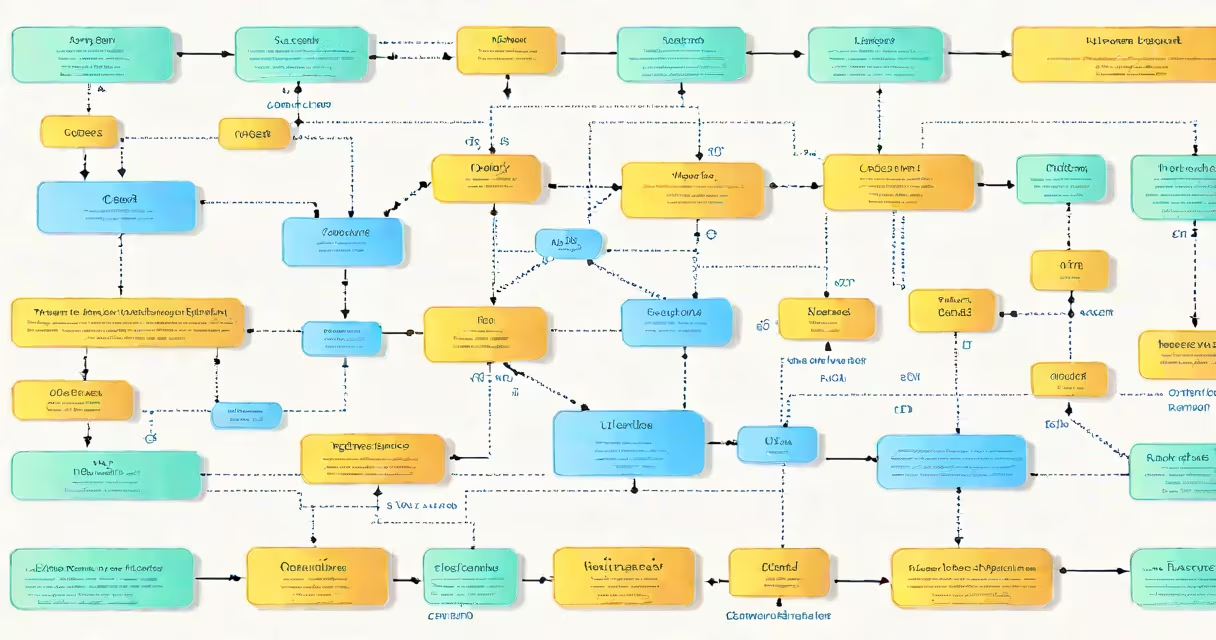
The basic concepts of C programming language define how instructions are written, stored, and executed in a computer. These include syntax rules, variable declarations, data types, control flow statements, and function organization. C is a procedural language designed for efficiency and direct hardware interaction.
C was developed in the early 1970s by Dennis Ritchie at Bell Labs. Its design prioritizes low-level access to memory while maintaining high-level abstraction. This balance makes C ideal for operating systems, embedded devices, and performance-critical applications. According to the C Standard (ISO/IEC 9899:2018), C's syntax is minimal and consistent, reducing ambiguity in code interpretation.
Every C program begins with a main() function. This entry point executes when the program runs. All executable statements must be enclosed within curly braces {}. For example:
#include <stdio.h>

int main() {
    printf("Hello, World!\n");
    return 0;
}
This code prints "Hello, World!" to the terminal. The #include <stdio.h> directive imports standard input/output functions. The printf() function outputs text. The return 0; statement signals successful execution to the operating system.
C uses a strict syntax that enforces clarity and consistency. Statements end with semicolons (;). Code blocks are grouped using {}. Indentation is not required by the compiler but improves readability. Misplaced punctuation causes compilation errors.
Programs compile into machine code through a compiler like GCC. The process involves preprocessing, compiling, assembling, and linking. Preprocessing handles directives such as #include and #define. Compilation translates C source code into assembly language. Assembly converts this into object code. Linking combines object files with libraries to produce an executable.
For example, saving the "Hello, World" code as hello.c and running gcc hello.c -o hello generates an executable named hello. Running ./hello produces the expected output. This workflow demonstrates how C bridges human-readable code and machine-executable instructions.
Variables store values during program execution. Each variable must have a declared type. C supports several fundamental data types:
| Type | Size (bytes) | Range | Usage Example |
|---|---|---|---|
int |
4 | -2,147,483,648 to 2,147,483,647 | int age = 25; |
char |
1 | −128 to 127 (signed), 0 to 255 (unsigned) | char grade = 'A'; |
float |
4 | ±1.2×10⁻³⁸ to ±3.4×10³⁸ | float price = 19.99f; |
double |
8 | ±2.3×10⁻³⁰⁸ to ±1.7×10³⁰⁸ | double pi = 3.14159; |
Variable names follow naming rules: they start with a letter or show, contain only letters, digits, or underscores, and cannot be reserved keywords like int or return.
Memory allocation happens at compile time for local variables. Global variables are allocated in static memory. Pointers hold memory addresses. A pointer to an integer is declared as int *ptr;. Dereferencing with *ptr accesses the value at that address.
One common mistake beginners make is forgetting to initialize variables. Uninitialized variables contain garbage values. For example, declaring int x; without assigning a value leads to undefined behavior. Always initialize variables at declaration: int x = 0;.
Control flow determines the order in which statements execute. Conditional statements like if, else if, and switch alter execution based on boolean expressions.
For example:
if (score >= 90) {
    grade = 'A';
} else if (score >= 80) {
    grade = 'B';
} else {
    grade = 'C';
}
Loops repeat blocks of code. The for loop is ideal for known iterations:
for (int i = 0; i < 5; i++) {
    printf("Iteration %d\n", i);
}
The while loop continues until a condition becomes false:
int count = 0;
while (count < 3) {
    printf("Count: %d\n", count);
    count++;
}
Both loops require proper initialization and update logic. Missing the increment in a while loop creates an infinite loop. The break and continue statements modify loop behavior. break exits the loop immediately. continue skips the rest of the current iteration.
Functions group related operations into reusable units. They improve code organization and reduce redundancy. A function has a return type, name, parameters, and body.
Example:
int add(int a, int b) {
    return a + b;
}
Calling add(3, 4) returns 7. Functions can be declared before use with a prototype:
int multiply(int x, int y); // Function prototype

int main() {
    int result = multiply(5, 6);
    printf("Result: %d\n", result);
    return 0;
}

int multiply(int x, int y) {
    return x * y;
}
Function parameters pass values by value. Changes inside the function do not affect the original argument. To modify the caller's variable, pass a pointer.
One non-obvious fact: C does not perform bounds checking on arrays. Accessing an range beyond its size results in undefined behavior. For example:
int arr[5] = {1, 2, 3, 4, 5};
printf("%d\n", arr[10]); // Undefined behavior - may crash or print garbage
This lack of safety increases speed but requires careful coding. Tools like Valgrind detect memory errors during runtime.
Beginners often confuse == (equality) with = (assignment). Writing if (x = 5) assigns 5 to x and evaluates to true. The correct form is if (x == 5).
Another frequent error is mixing up char and string literals. A single character is enclosed in single quotes: 'A'. A sequence of characters is enclosed in double quotes: "Hello". The latter creates a null-terminated string.
Some assume C supports object-oriented features like classes or inheritance. C does not. Instead, it uses structs and function pointers to simulate object-like behavior. For example:
struct Person {
    char name[50];
    int age;
};

void introduce(struct Person p) {
    printf("Hi, I'm %s, %d years old.\n", p.name, p.age);
}
This pattern enables data encapsulation despite C's procedural nature.
I once debugged a program where a for loop ran indefinitely due to a missing increment. The loop condition was correct, but the update clause was omitted. Adding i++ resolved the issue. This taught me that even small syntax errors cause major problems in C.
Understanding the basic concepts of C programming language is essential for anyone entering systems programming. These principles underlie most modern software, including compilers, databases, and device drivers. Mastering them builds a foundation for learning higher-level languages and frameworks.