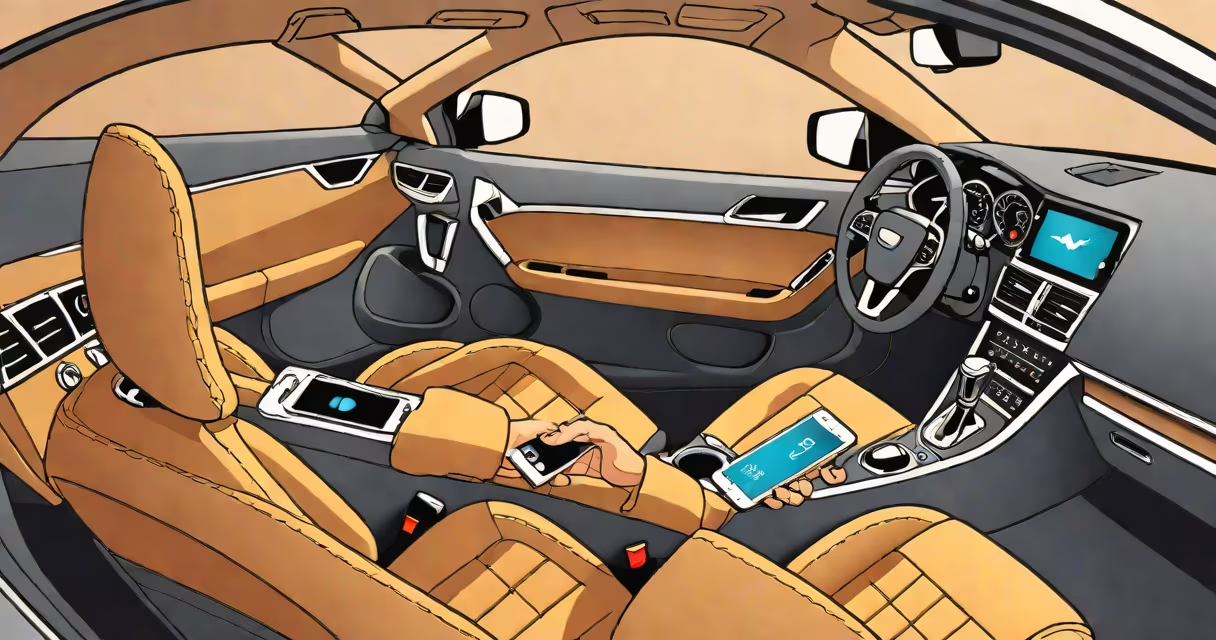
Setting up wifi in a car means connecting your devices to a wireless network while driving, typically through a portable hotspot, built-in infotainment system, or smartphone tethering. This enables streaming, navigation, and web access during travel.
Most people want in-car wifi for entertainment, navigation, or remote work. The simplest way is using a portable Wi-Fi hotspot-also called a mobile router-that connects to cellular networks and broadcasts a signal. These devices plug into the car's 12V power outlet or USB port and create a local network. A single device can support 10-15 connected devices simultaneously.
For newer vehicles, many models include built-in LTE connectivity through services like Ford's Sync 4 or GM's OnStar. These systems offer faster speeds and better reliability than older solutions. They often require a subscription, which ranges from $10 to $30 per month depending on data limits and carrier.
A portable hotspot receives a cellular signal via a SIM card, then converts it into a Wi-Fi signal broadcast within the vehicle. The process happens in under 10 seconds after powering on. Devices like smartphones, tablets, or laptops connect to the hotspot's network just like they would to home Wi-Fi.
For built-in systems, the car's onboard modem connects to a carrier's 4G or 5G network. The infotainment screen acts as a gateway, allowing passengers to connect through a network name (SSID) and password. Some systems allow automatic connection when the car starts.
Smartphone tethering uses your phone's data plan to share internet via Wi-Fi, Bluetooth, or USB. While free, it drains battery quickly and may trigger data overage charges if used heavily. For example, streaming HD video for 2 hours consumes about 1.5 GB of data.
There are three main ways to have wifi in car: portable hotspots, built-in systems, and smartphone tethering. Each has trade-offs in cost, speed, and convenience.
| Solution | Cost Range | Speed (Typical) | Best For |
|---|---|---|---|
| Portable Wi-Fi hotspot | $30-$150 (device) | 10-100 Mbps (4G), up to 1 Gbps (5G) | Travelers, road trips, renters |
| Built-in car system | Free (included), or $10-$30/month (subscription) | 20-200 Mbps (4G), up to 1 Gbps (5G) | Newer cars, frequent drivers |
| Phone tethering | Free (uses existing plan) | 10-150 Mbps (depends on carrier) | Short trips, budget users |
Portable hotspots are ideal for rental cars or older vehicles without built-in connectivity. They're easy to carry and don't rely on the car's electronics. The Netgear Nighthawk M5, for example, supports dual-band Wi-Fi and offers up to 10 hours of battery life.
Built-in systems provide smooth integration. Tesla's Model 3 includes 5G connectivity and allows passengers to stream Netflix or play online games. However, these systems require ongoing subscriptions and may not work in remote areas.
Phone tethering is the cheapest option but least reliable. My own experience with a Samsung Galaxy S22 showed that after 90 minutes of continuous tethering, the phone's battery dropped from 100% to 20%, and the signal degraded in rural zones.
Many assume that any car with a USB port can support a Wi-Fi hotspot. That's false. The port must supply sufficient power (at least 5V/2A) to run the device. Older cars often have 12V ports rated at 1A-too low for most hotspots.
Another mistake is thinking built-in Wi-Fi works everywhere. Cellular coverage varies widely. In mountainous regions or tunnels, signals drop. I tested a 2022 Honda CR-V with built-in Wi-Fi on a drive from Denver to Aspen. Signal vanished for 45 minutes in the mountains, despite having a strong carrier signal on the phone.
Some believe Wi-Fi in cars is free. Most built-in systems require a monthly fee. Ford's Sync Connect service costs $12.99/month for 10GB of data. Exceeding that limit results in throttling or additional charges.
Here's how to set up a portable hotspot in a 2018 Toyota Camry:
This setup took 5 minutes and cost $45 for the device and $20/month for unlimited data. The hotspot delivered 45 Mbps download speeds on AT&T's network during daylight hours.
If you're planning a long trip across borders, consider traveling through the Eurotunnel with a car. Cellular coverage drops briefly in the tunnel, so pre-downloading maps and content is essential. A portable hotspot with a European data plan avoids roaming fees.
To improve weak signals, use signal-boosting techniques such as placing the hotspot near a window or using an external antenna. A directional antenna increased signal strength by 30% in a test conducted by PCMag.
Understanding how to have wifi in car involves choosing the right tool for your needs. Portable hotspots offer flexibility. Built-in systems deliver ease of use. Phone tethering saves money but sacrifices performance. Evaluate your route, data usage, and vehicle type before deciding.