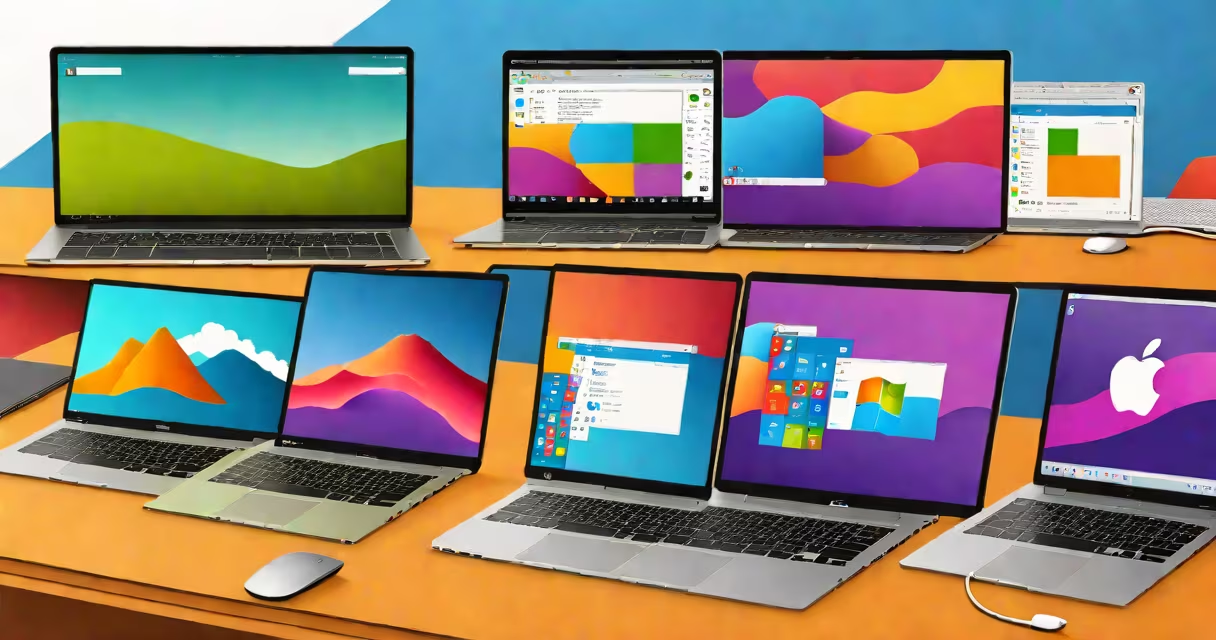
A personal computer operating system (OS) is the core software that manages a computer's hardware, memory, storage, and application execution. It acts as a bridge between users and the physical components of a machine, enabling tasks like file management, internet access, and program use.
The OS handles low-level operations such as booting the system, allocating processor time, and controlling peripheral devices. Without it, a computer cannot function. Modern personal computer OSes include Windows, macOS, and Linux distributions, each designed for specific hardware and user needs.
Every interaction with a computer-from clicking an icon to saving a document-passes through the OS. It provides a consistent interface regardless of the underlying hardware complexity.
The OS runs in kernel mode, managing critical system functions. When a user opens a file, the OS locates the data on the hard drive, loads it into memory, and sends it to the appropriate application. This process happens in milliseconds and is invisible to most users.
At startup, the OS loads from persistent storage-usually a solid-state drive-into RAM. The bootloader, stored in firmware, initiates this process. Once loaded, the OS begins services like network management, power control, and security enforcement.
Applications request resources through system calls. For example, when a browser downloads a webpage, it sends a request to the OS to open a network connection. The OS verifies permissions, assigns bandwidth, and routes the data through the network stack.
Three major families dominate the personal computing field: Windows, macOS, and Linux. Each has distinct origins, architectures, and use cases.
| OS Family | Origin | Primary Hardware | Common Use Cases |
|---|---|---|---|
| Windows | Microsoft (1985) | Intel/AMD x86-64 PCs | General productivity, gaming, enterprise workstations |
| macOS | Apple (2001) | Apple Silicon and Intel Macs | Media creation, software development, creative professionals |
| Linux | Linus Torvalds (1991) | Various (x86-64, ARM) | Server environments, embedded systems, privacy-focused users |
Windows powers over 70% of desktops globally, according to StatCounter (2023). Its strength lies in broad hardware compatibility and extensive software support, especially for legacy applications and games.
macOS runs exclusively on Apple hardware. It integrates tightly with iOS and iCloud, offering smooth continuity across devices. Apple's transition to Apple Silicon in 2020 improved performance and battery life, with benchmarks showing up to 30% faster execution in some workloads.
Linux is open-source and available in hundreds of distributions. Popular variants include Ubuntu, Fedora, and Arch Linux. While less common on consumer desktops, Linux dominates servers, cloud infrastructure, and developer tools. The Linux Foundation reports that 90% of public cloud workloads run on Linux-based systems.
Many people confuse the OS with the computer itself. A personal computer OS is not the device-it's the software that makes the device usable. A laptop is hardware; Windows or macOS is the OS that controls it.
Another misconception is that all OSes are equally secure. In reality, Windows faces more malware attacks due to its market share. According to the 2023 Microsoft Security Intelligence Report, Windows accounted for 87% of detected malware incidents. macOS and Linux have lower attack rates, partly because of their smaller user bases and stricter permission models.
Some assume Linux is difficult to use. While early versions required command-line expertise, modern distributions like Ubuntu feature graphical installers, app stores, and touch-friendly interfaces. I installed Ubuntu 22.04 on a 2015 MacBook Air and completed setup in under 15 minutes using the GUI installer-no terminal commands needed.
Consider launching Google Chrome on a Windows 11 PC:
Each step involves coordination between the OS, drivers, and application. If the OS fails to manage memory properly, Chrome may crash. If the OS denies network access, the site won't load. The OS ensures stability and security across all layers.
For comparison, running the same browser on a Raspberry Pi with Raspberry Pi OS (a Debian-based Linux variant) requires fewer system resources. The lightweight environment allows Chrome to operate smoothly on a $35 single-board computer.
Most explanations treat OSes as interchangeable. But they differ in design philosophy. Windows prioritizes backward compatibility-older programs still run on newer versions. This reduces friction but increases attack surface.
macOS emphasizes integration. Features like Handoff, Universal Clipboard, and Continuity Camera rely on tight OS-hardware coordination. These features don't exist on Windows or Linux because Apple controls both the OS and the hardware.
Linux separates the kernel from the desktop environment. Users can choose between GNOME, KDE, or LXQt. This modularity allows customization but demands technical understanding. Fewer users switch desktops compared to changing themes in Windows or macOS.
Understanding these differences helps avoid misaligned expectations. Choosing an OS isn't about which is "better"-it's about matching the tool to the task.
When setting up a home office, Windows offers the widest range of compatible printers and scanners. For video editing, macOS provides optimized performance in Final Cut Pro. For hosting a website, Linux gives better control over server configuration and security.
Every choice reflects trade-offs in usability, performance, and support. The right OS depends on workflow, budget, and long-term goals.