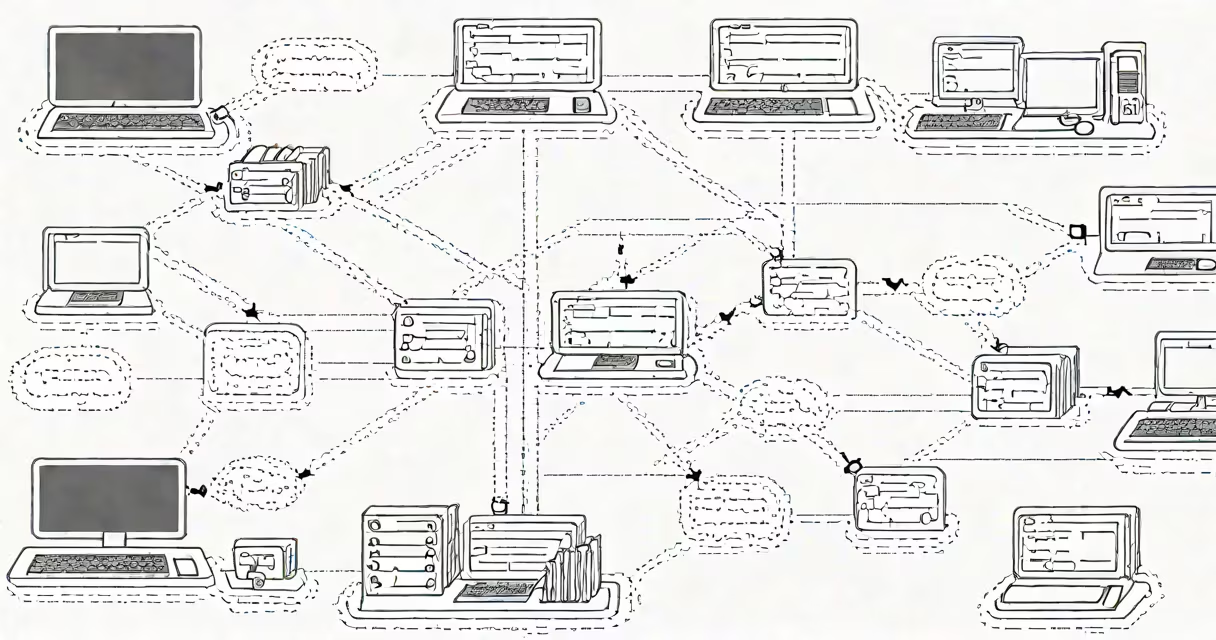
A proxy server acts as an intermediary between a client and a destination server, handling requests and responses. A reverse proxy sits between clients and backend servers, routing traffic to appropriate services while hiding internal infrastructure.
Both tools manage network traffic but serve different roles. A proxy typically represents a single client's request to external services. A reverse proxy handles incoming requests from multiple clients and directs them to internal systems based on rules or load conditions.
Proxies are often used for access control, caching, and anonymizing user behavior. Reverse proxies are essential for scaling web applications, managing SSL termination, and distributing workloads across servers.
When a client sends a request through a proxy, the proxy forwards the request to the intended destination. The response then returns through the proxy to the client. This creates a layer of separation between the user and the internet.
For example, a company might deploy a proxy server to enforce acceptable use policies. Employees accessing external websites first go through the proxy, which logs activity and blocks known malicious domains. The proxy can also cache frequently accessed resources, reducing bandwidth usage.
Proxies operate at the application or transport layer. HTTP proxies handle web traffic, while SOCKS proxies support arbitrary protocols. Each type routes traffic based on configuration rules set by administrators.
A reverse proxy receives incoming requests from clients and forwards them to backend servers. It then returns the server's response to the client as if it came directly from the reverse proxy itself.
This setup hides the actual server locations. Clients don't see the internal network structure. Instead, they interact with a single public endpoint-often a domain name like api.example.com-that routes to multiple internal services.
Consider a large e-commerce site. Traffic for /products goes to a product catalog service, /checkout to a payment processor, and /user to an authentication system. A reverse proxy manages these mappings using URL path rules or host headers.
Proxies and reverse proxies differ in architecture and purpose. The table below outlines their core distinctions:
| Feature | Forward Proxy | Reverse Proxy |
|---|---|---|
| Primary role | Client-side gateway | Server-side gateway |
| Who controls it? | End users or organizations | System administrators or DevOps teams |
| Location | Between client and internet | Between internet and backend servers |
| Use case | Content filtering, privacy, caching | Load balancing, SSL offloading, DDoS protection |
Reverse proxies are commonly deployed with tools like Nginx, Traefik, or HAProxy. These systems support features such as rate limiting, request rewriting, and health checks on backend services.
For instance, a startup running microservices on Kubernetes uses a reverse proxy to expose services via a single public IP. The proxy inspects each incoming request and routes it to the correct pod based on the requested path.
Many assume that a reverse proxy is simply a "reverse" version of a forward proxy. That's incorrect. The directionality is misleading. The difference lies in who initiates the connection and who owns the proxy.
Forward proxies are controlled by the client side. Users configure their browsers or devices to route traffic through a proxy. Reverse proxies are managed by the server side. The client doesn't know it exists-it appears as a regular web server.
Another misconception is that reverse proxies eliminate the need for firewalls. They do not. A reverse proxy adds a layer of traffic management but still requires proper firewall rules and intrusion detection to prevent attacks like SQL injection or brute-force login attempts.
Suppose a university deploys a student portal at portal.university.edu. The site runs on three backend services: authentication, course enrollment, and grade lookup.
The IT team sets up a reverse proxy using Nginx. All traffic enters through a single public IP address. The proxy listens on port 443 (HTTPS) and decrypts incoming TLS traffic.
Based on the URL path, the proxy routes: - /login → authentication service (port 8080) - /enroll → enrollment service (port 8081) - /grades → grade service (port 8082)
Each backend service runs behind a private subnet. The proxy handles SSL termination, so the backend services don't need certificates. The proxy also enforces rate limits-blocking any IP making more than 100 requests per minute.
This setup improves security, reduces latency through caching, and simplifies deployment. If one backend fails, the proxy can redirect traffic to a backup instance.
Modern environments use specialized reverse proxies like YARP (Yet Another Reverse Proxy), developed by Microsoft. YARP supports changing routing, middleware integration, and smooth migration from legacy systems.
I've used YARP in a .NET-based internal tooling platform. It replaced a custom routing solution and reduced configuration complexity by 60%. The tool integrates with Azure Active Directory for authentication and automatically scales across containers during peak hours.
For virtualized environments, proxmox reverse proxy configurations allow secure access to VM consoles and containerized apps through a unified interface. This prevents exposing SSH ports directly to the internet.
Understanding proxy and reverse proxy explained is essential for anyone managing web infrastructure. While both act as intermediaries, their roles, placement, and responsibilities differ.
Always choose the right tool for the job. Use a forward proxy when controlling outbound access. Use a reverse proxy when scaling inbound traffic, securing APIs, or improving performance.