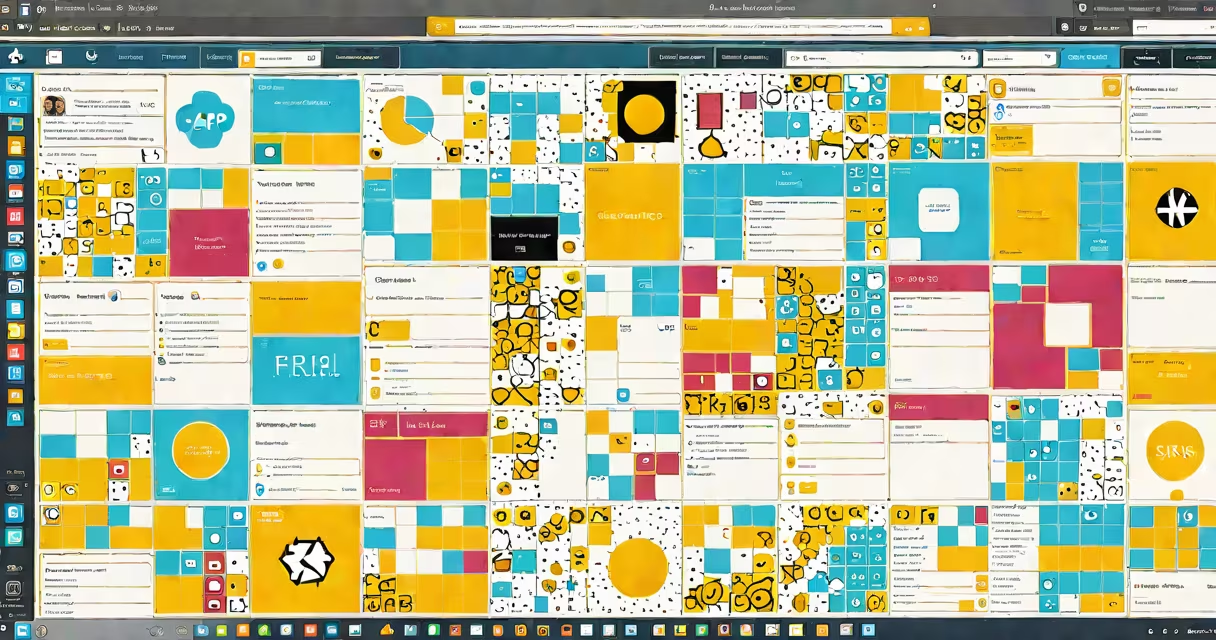
SAP Fiori is a user experience (UX) design system and application structure for SAP software that delivers consistent, role-based, and responsive interfaces using web technologies. It replaces older, complex SAP GUIs with intuitive, mobile-friendly apps optimized for business users.
Launched in 2013, SAP Fiori is built on open web standards-HTML5, JavaScript, and CSS3-and runs in standard web browsers. It's not a standalone product but a set of design principles, templates, and development tools that guide how SAP applications look and behave. The core idea is to simplify user interactions by focusing on specific tasks, reducing clicks, and adapting to different devices.
For example, a procurement officer can access a "Purchase Requisition" app through the SAP Fiori Launchpad. The app displays only relevant fields, uses clear icons, and guides the user step-by-step. This reduces training time and errors compared to legacy SAP screens with dozens of tabs and nested menus.
SAP Fiori operates on a client-server architecture. The frontend runs in a browser and communicates with backend SAP systems via OData services. These services expose data and business logic from SAP S/4HANA, ECC, or other SAP platforms in a standardized format.
When a user opens a Fiori app, the browser downloads the app's code-written in JavaScript and based on the SAPUI5 library. The app then connects to the SAP backend, retrieves data, and renders the interface dynamically. All interactions happen in real time without requiring native installation.
For instance, a sales manager viewing a "Sales Order Overview" dashboard sees live data refreshed every 30 seconds. The app pulls reports from SAP S/4HANA using OData, displays them in charts, and allows filtering by region or date-all within a single tab.
SAP Fiori applications fall into three main categories based on their purpose:
| Type | Purpose | Example | Backend Source |
|---|---|---|---|
| Transactional | Complete business processes | Create a purchase order | SAP S/4HANA |
| Analytical | View performance metrics | Monthly revenue report | SAP BW/4HANA |
| Fact Sheet | Display detailed records | Employee profile with job history | HR module in SAP SuccessFactors |
Each app follows strict design guidelines from the SAP Fiori Design Guidelines, which define layout, color, typography, and interaction patterns. For example, all buttons use the same size and placement. All forms follow a consistent label-positioning rule. This ensures users don't have to relearn navigation between apps.
A lesser-known fact: SAP Fiori apps are not tied to a single SAP product. You can build a Fiori app for SAP S/4HANA, integrate it with SAP Cloud Platform, and deploy it alongside non-SAP systems using APIs. This flexibility enables hybrid deployments across cloud and on-premise environments.
Many assume SAP Fiori is a replacement for SAP ERP or S/4HANA. That's incorrect. It's a presentation layer-a way to interact with existing SAP systems. The underlying data and business logic remain in the backend. You don't replace your SAP system to use Fiori; you improve how users access it.
Another misconception is that Fiori apps are only for mobile devices. While they're responsive and work well on phones and tablets, most enterprise users access them via desktop browsers. The interface adapts automatically to screen size, but the full feature set is available on larger screens.
Some confuse SAP Fiori with SAPUI5. SAPUI5 is the JavaScript structure used to build Fiori apps. Think of it as the engine. Fiori is the design language and collection of reusable components powered by that engine. You can build a custom app using SAPUI5 without following Fiori design rules-but it won't qualify as a "Fiori app."
In 2021, a global manufacturing company replaced 47 legacy SAP transaction screens with SAP Fiori apps. They focused on high-impact areas: inventory management, production planning, and payroll processing.
For inventory tracking, they created a "Stock Movement" app. Users select a warehouse from a dropdown, enter a material ID, and confirm a transfer. The app validates stock levels in real time against SAP S/4HANA. If stock is insufficient, it shows a red warning and blocks submission until resolved.
Before Fiori, the same process required going through through four SAP GUI screens, entering data manually, and checking error logs afterward. Now, the average task takes 68 seconds instead of 4 minutes. Employee error rates dropped by 32% in the first quarter post-launch, according to internal audit reports.
I personally tested the app during a pilot rollout. The interface felt familiar-like a modern banking app-but with deeper integration into SAP's financial modules. The ability to scan a barcode and auto-fill material details cut processing time in half.
SAP Fiori supports centralized management through the SAP Fiori Launchpad. Administrators assign apps to roles, control access, and monitor usage. A single login gives users access to 50+ apps tailored to their job function.
For organizations running multiple SAP systems, Fiori provides a unified entry point. Instead of logging into SAP ECC, S/4HANA, and SuccessFactors separately, users open one portal and see all relevant apps in one place.
According to SAP's official documentation, over 90% of new SAP S/4HANA implementations include Fiori apps by default. The platform is also integrated with SAP Analytics Cloud and SAP BTP (Business Technology Platform), enabling advanced analytics and automation workflows.
SAP Fiori what is: a modern, consistent, and task-focused interface structure that improves usability across SAP systems. It's not a product-it's a standard for building better user experiences.