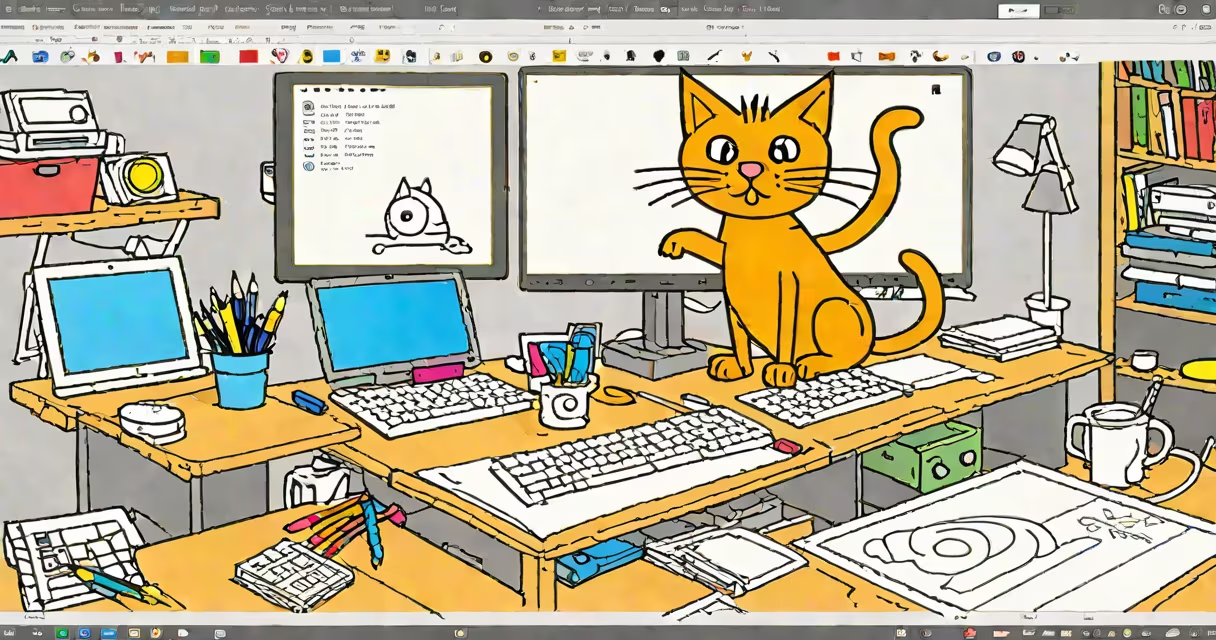
Scratch 3 online free play is a web-based platform that enables users to design interactive stories, games, and animations using a visual programming language. It runs entirely in a browser without installation, supports real-time collaboration, and allows immediate testing of projects.
Developed by the MIT Media Lab, Scratch 3 uses a block-based coding system where users snap together colored code blocks to control characters (sprites), backgrounds, and interactions. Each block represents a command-like "move 10 steps" or "say 'Hello!'"-and they fit together like puzzle pieces. This eliminates syntax errors common in text-based languages, making it ideal for beginners.
Projects created in Scratch 3 can be saved to a free user account, shared publicly on the Scratch website, or embedded into websites. The platform includes built-in tools for drawing sprites, recording sounds, and adding custom costumes and backdrops. All features are accessible through a clean, intuitive interface designed for ages 8 and up.
When you start a project, the environment presents a stage area where your animation or game appears, along with a scripting area for placing code blocks. You select a sprite-such as a cat, robot, or custom drawing-and then drag blocks from the palette to build scripts. Blocks are grouped by function: motion, looks, sound, events, operators, and variables.
For example, to make a sprite move when the green flag is clicked, you'd drag the "when green flag clicked" block from the Events category, attach a "move 10 steps" block from Motion, and connect them. When you click the green flag in the stage, the sprite moves automatically. This immediate feedback loop reinforces cause-and-effect logic.
Behind the scenes, Scratch 3 translates block sequences into JavaScript-like instructions. These run in a sandboxed environment within your browser, ensuring security. Projects can include multiple sprites, each with independent scripts, enabling complex interactions like a player-controlled character avoiding obstacles.
Scratch 3 supports four primary project types: animations, games, storytelling, and simulations. Each uses the same underlying system but applies different combinations of blocks and assets.
| Type | Use Case | Common Blocks | Example |
|---|---|---|---|
| Animation | Short loops of movement or expression | "glide," "change size," "switch costume" | A dancing robot that cycles through five costumes every 0.5 seconds |
| Game | Player interaction with goals and scoring | "if touching," "broadcast," "set score to" | A maze game where the player collects coins and loses lives upon hitting walls |
| Storytelling | Dialogue-driven narratives with scene changes | "say," "wait," "switch backdrop" | A story where a character travels between three locations, speaking lines at each stop |
| Simulation | Modeling real-world systems | "repeat," "random," "variables" | A weather simulator that generates random rain or sunshine based on time of day |
Each project can include up to 200 sprites and unlimited scripts. The platform also supports custom blocks-user-defined procedures that can be reused across projects. For instance, a "jump" block can be created once and used in multiple animations, reducing duplication.
Scratch 3 online free play is widely adopted in K-12 education, after-school programs, and maker spaces. Teachers use it to teach computational thinking, problem-solving, and digital storytelling. According to a 2022 study by the MIT Media Lab, 68% of educators reported improved student engagement in math and logic after introducing Scratch.
It's also used by hobbyists and aspiring developers. A 2023 survey by the Scratch Foundation found that 43% of active users aged 13-18 had gone on to learn text-based programming languages like Python or JavaScript after mastering Scratch 3.
One non-obvious feature is the ability to import images and audio files directly from your device. Users can draw a character in a graphics app, export it as a PNG, and upload it to Scratch. The platform automatically converts it into a sprite with transparent background support.
Many assume Scratch 3 is only for children. While it's beginner-friendly, it's also used by professionals for prototyping ideas. A team at NASA's Jet Propulsion Laboratory used Scratch 3 to demonstrate rover navigation concepts during public outreach events.
Another misconception is that Scratch 3 lacks depth. In reality, it supports advanced concepts like recursion (via custom blocks), event broadcasting, and variable arrays. A user named "PixelPioneer" created a working version of Conway's Game of Life in Scratch 3 using only 120 blocks and 3 variables.
Some confuse Scratch 3 with Scratch 2.0. The two versions are incompatible. Scratch 3 introduced a redesigned interface, better mobile support, and enhanced accessibility features. Projects from Scratch 2.0 cannot be opened directly in Scratch 3 without conversion.
To illustrate how Scratch 3 online free play works, consider creating a basic quiz game:
The entire game takes under 15 minutes to build. Once complete, it can be shared with others via a unique URL. Viewers can play it instantly without downloading anything.
My first Scratch 3 project was a simple space shooter I built during a summer coding camp. I spent two hours dragging blocks, adjusting collision detection, and tweaking sound effects. When I clicked "Run," the spaceship fired lasers and destroyed enemy ships. That moment-seeing code turn into action-was the spark that led me to pursue computer science.