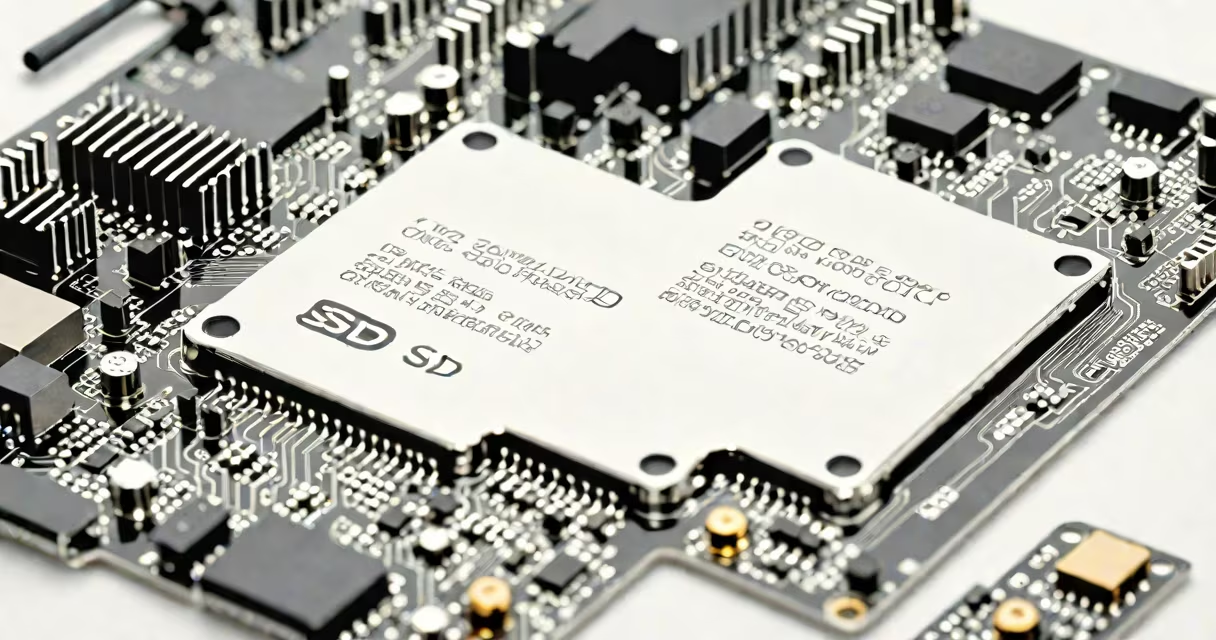
A solid-state drive (SSD) is a type of storage device that uses flash memory to store data without moving parts. Unlike traditional hard disk drives (HDDs), which rely on spinning platters and mechanical read/write heads, SSDs access data electronically, resulting in faster speeds, lower latency, and greater durability.
SSDs are built around NAND-based flash memory chips arranged in arrays. These chips retain data without power and allow rapid access to stored information. The absence of physical motion makes SSDs resistant to shock and vibration, ideal for portable devices like laptops and tablets.
Modern systems use SSDs as primary storage for operating systems and applications. A typical consumer-grade SSD can boot a Windows 11 system in under 10 seconds, compared to 30-45 seconds on a 7200 RPM HDD. This speed difference stems from how data is accessed-SSDs perform random read operations up to 100 times faster than HDDs.
When you save a file to an SSD, the controller chip maps the data to available blocks in the NAND flash memory. The process is handled through a wear-leveling algorithm that distributes writes evenly across memory cells to prevent premature failure. This ensures consistent performance over time.
Data retrieval happens almost instantly because the SSD's controller accesses specific memory locations directly. There is no seek time, unlike HDDs, where the read head must physically move to the correct track on a spinning platter. This lack of mechanical delay gives SSDs a significant edge in responsiveness.
For example, launching Adobe Photoshop on a system with an SSD takes approximately 6 seconds. On an HDD-equipped machine, the same task takes 18-22 seconds due to slower file loading and disk seeks. The difference becomes noticeable during multitasking, such as editing video while running multiple browser tabs.
SSDs come in several form factors and interface types, each suited to different hardware and performance needs.
| Type | Interface | Typical Speed (Read) | Use Case |
|---|---|---|---|
| M.2 NVMe | PCIe Gen4/Gen5 | up to 7,000 MB/s | High-performance desktops, gaming laptops |
| SATA III | SATA 3.0 | up to 550 MB/s | Standard desktops, older laptops, budget builds |
| 2.5-inch SATA | SATA 3.0 | up to 550 MB/s | Laptop upgrades, server storage |
| U.2 | PCIe | up to 3,500 MB/s | Enterprise servers, workstations |
While all SSDs share the core principle of flash memory storage, their performance varies widely based on interface and controller quality. For instance, a Samsung 980 Pro (M.2 NVMe) achieves sustained read speeds of 7,000 MB/s, whereas a Western Digital Blue SATA SSD maxes out at 550 MB/s.
Many users upgrade from HDDs to SATA SSDs in older machines. This change often reduces boot times from 40 seconds to under 15 seconds. The improvement is measurable and immediate-no configuration required.
One widespread misunderstanding is that SSDs are inherently more expensive per gigabyte than HDDs. While true historically, prices have converged. As of 2024, a 1TB SATA SSD costs $45-$60, while a 1TB 7200 RPM HDD averages $30-$40. However, SSDs offer better value when considering performance, power efficiency, and reliability.
Another myth is that SSDs fail suddenly. In reality, they degrade gradually. Most consumer SSDs include error correction and bad block management. They also report health status via SMART tools. A drive showing 90% wear may still function for years, though manufacturers recommend replacement at 100%.
Here's a real-world example: I replaced the 500GB HDD in my 2015 MacBook Air with a 1TB Samsung 870 EVO SATA SSD. After installation, the system booted in 8 seconds-down from 32 seconds. App launches were nearly instant. The change was major, not incremental.
Hard drives use magnetic platters spun at 5,400-15,000 RPM. Data is written and read by a mechanical arm. This design limits speed and increases failure risk from drops or shocks. HDDs remain cost-effective for bulk storage, such as media libraries or backups.
SSDs eliminate mechanical components. They consume less power, generate less heat, and operate silently. These traits make them ideal for mobile devices and high-reliability environments.
For example, a 4K video editor working on a project stored on an HDD may experience lag during playback. Switching to an SSD allows real-time scrubbing and smoother timeline rendering. The workflow becomes fluid, reducing production time.
Despite their advantages, SSDs aren't universally superior. They have limited write endurance-typically rated for 300-1,000 terabytes written (TBW) over a five-year lifespan. Modern drives handle this well through over-provisioning and changing wear leveling. Still, users with heavy write workloads (like database servers) should monitor TBW ratings.
Understanding what does ssd drive mean includes recognizing it as a high-speed, durable alternative to mechanical storage. It's not just faster-it's quieter, cooler, and more reliable. The technology powers everything from smartphones to enterprise servers.