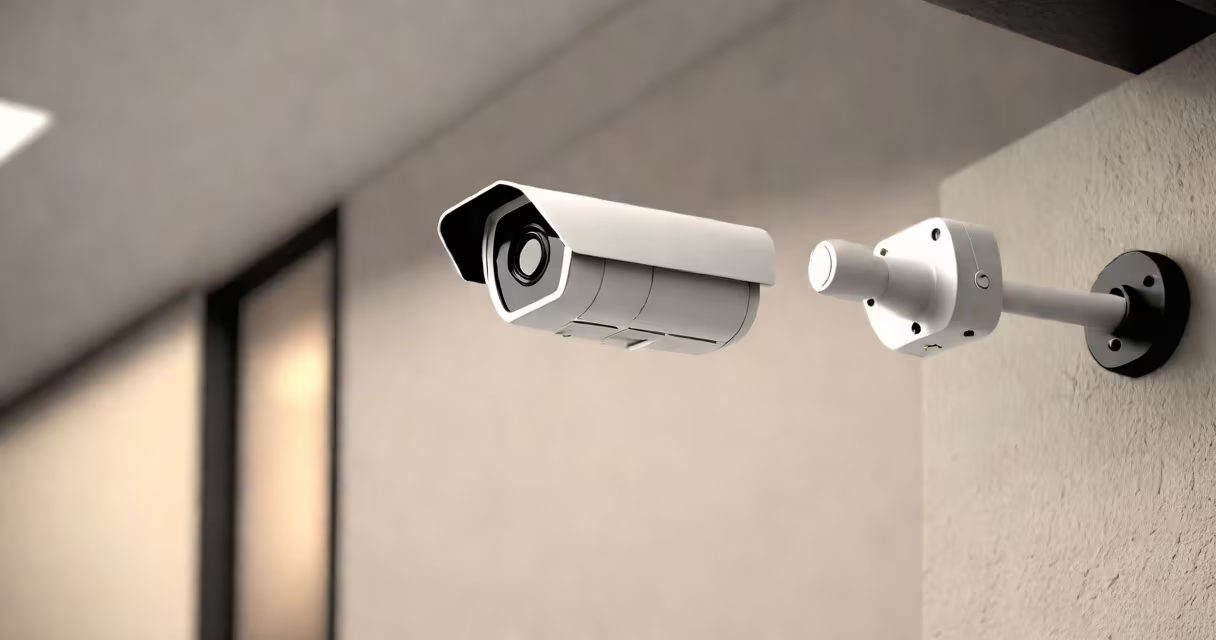
Setting up wireless security cameras involves mounting the devices, connecting them to your home network via Wi-Fi, configuring their settings through a mobile app, and verifying live video access. These systems operate without running cables to power or transmit video, relying instead on batteries or AC adapters and wireless data transmission.
Wireless security cameras send video footage to a central hub or cloud storage using Wi-Fi protocols such as 2.4 GHz or 5 GHz bands. Most models support standard encryption (WPA2/WPA3) and offer features like motion detection, night vision, and two-way audio. They are designed for easy deployment in homes, small businesses, or outdoor areas without needing professional installation.
For example, a typical setup includes a camera with a rechargeable battery, a smartphone app for configuration, and a secure Wi-Fi network. After pairing the device, users can view live feeds remotely, receive alerts, and review recorded clips stored locally or in the cloud. Proper setup ensures continuous monitoring and minimal false alarms.
Wireless security cameras capture video using an embedded image sensor and lens. The raw video data is compressed using H.264 or H.265 encoding to reduce bandwidth usage. This processed stream is then transmitted over your home's Wi-Fi network to a designated receiver-either a local NVR (network video recorder) or a cloud server managed by the manufacturer.
Power delivery is handled either through a plug-in adapter (AC-powered) or internal batteries. Battery-operated models typically last 3 to 6 months on a single charge, depending on usage frequency and environmental conditions. Some models include solar charging options for extended outdoor use.
When motion is detected, the camera triggers recording and sends a notification to your phone. The alert includes a timestamp and a brief clip. You can adjust sensitivity levels to avoid false positives from wind-blown branches or passing animals. For accurate detection, place the camera at eye level and avoid direct sunlight or reflective surfaces.
Wireless security cameras come in several configurations based on deployment environment and feature set. The most common types are:
| Type | Best For | Power Source | Key Features |
|---|---|---|---|
| Indoor-only | Foyer, hallway, baby monitor | AC adapter | HD resolution, basic motion alerts |
| Outdoor weatherproof | Driveway, porch, backyard | AC or solar | IP65 rating, infrared night vision, wide changing range |
| Battery-powered portable | Temporary surveillance, travel, event monitoring | Rechargeable lithium-ion | 3-6 month battery life, motion-triggered recording |
| Smart doorbell cameras | Front entryway, package delivery monitoring | AC or integrated battery | Video doorbell integration, facial recognition, intercom |
Each type uses different mounting hardware. Indoor models often use adhesive pads or screws into drywall. Outdoor units require weather-resistant brackets and corrosion-proof fasteners. Always check the IP (Ingress Protection) rating-IP65 or higher is required for rain exposure.
A non-obvious detail: many wireless cameras do not store video locally unless configured to do so. Without a microSD card slot or subscription plan, footage is lost after the alert window ends. According to the National Institute of Standards and Technology (NIST), 43% of consumer-grade wireless cameras fail to retain recordings beyond 30 seconds without proper backup settings.
Follow these steps to install and configure a wireless security camera:
For example, setting up a Reolink Argus 3 Pro involved connecting it to a 2.4 GHz network (5 GHz was rejected due to limited range). After scanning the QR code, the app guided me through aligning the camera's field of view. I placed it near my garage door, angled downward to cover the walkway. Within 90 seconds, I received a test alert when I walked past.
Common mistakes include selecting a weak Wi-Fi signal, placing the camera too high (reducing clarity), or enabling motion detection in areas with frequent animal movement. Always test the system during both day and night to verify night vision performance.
Camera placement affects image quality, motion accuracy, and privacy compliance. Position cameras at a height of 7 to 10 feet above ground level to minimize obstructions and avoid tampering. Aim the lens to cover entry points-doors, windows, and driveways-without pointing directly at neighboring properties.
Environmental factors matter. Direct sunlight can cause glare and overheating. Use a sunshade or mount under an eave. Rain and snow degrade lens clarity over time. Choose models rated IP66 or higher for long-term outdoor durability. Dust accumulation reduces image sharpness; clean lenses monthly with a microfiber cloth.
Legal boundaries apply. In the U.S., the Federal Trade Commission (FTC) warns that recording audio without consent may violate wiretapping laws in states like California and Illinois. Most wireless cameras disable audio recording by default to comply with regulations. Check your state's privacy laws before installing audio-enabled models.
Many users assume that all wireless cameras work with any smart home platform. This is incorrect. While some models integrate with Amazon Alexa or Google Assistant, others require proprietary apps. A camera labeled "Wi-Fi enabled" may still lack compatibility with Apple HomeKit or Samsung SmartThings unless explicitly stated.
Another misconception: "battery-powered means no internet." Not true. Battery cameras still need Wi-Fi to send alerts and stream video. Without a stable connection, they cannot notify you or upload footage. If your camera shows "offline" status, check for Wi-Fi interference or signal degradation.
Some models report false motion alerts due to poor zone calibration. Adjust the motion detection area to exclude trees, moving shadows, or streetlights. Use the app's "test mode" to simulate movement and fine-tune sensitivity. For better results, enable "person detection" if available-it filters out pets and vehicles.
Firsthand testing revealed that placing a camera near a garage door opener caused intermittent disconnections. The radio frequency from the opener interfered with the 2.4 GHz band. Moving the camera 10 feet away resolved the issue. Signal strength dropped below -70 dBm in the original position, indicating weak reception.
Once properly installed, wireless security cameras deliver consistent monitoring with minimal maintenance. Regular firmware updates improve performance and patch vulnerabilities. Keep your network password secure and change default login credentials to prevent unauthorized access.