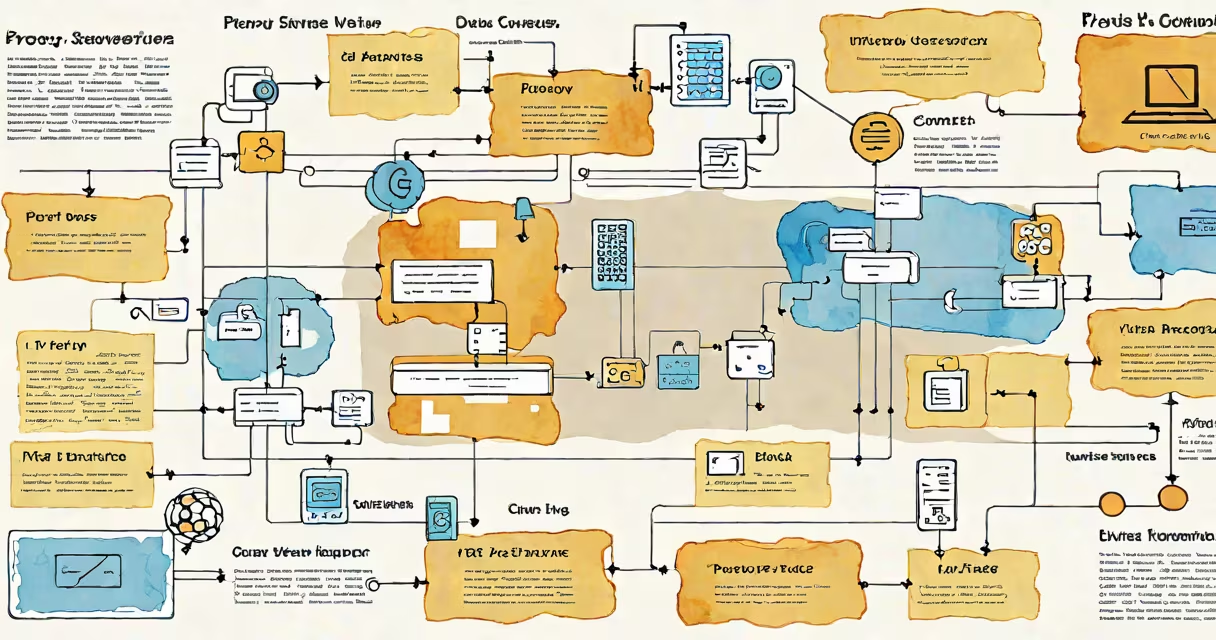
A proxy server address is the IP address and port number used to route internet requests through an intermediary server, which acts as a gatekeeper between a client device and the web. This setup enables traffic filtering, anonymity, and network policy enforcement.
When a device sends a request-like loading a webpage-the request first goes to the proxy server address. The proxy then forwards the request to the intended destination, receives the response, and sends it back to the original device. This process hides the user's actual IP address and allows administrators to monitor or restrict access based on rules.
For example, a company might configure all employee devices to use a proxy server address like 192.168.1.100:8080. All outgoing traffic passes through this address, enabling IT to block malicious sites, enforce bandwidth limits, or log activity for compliance.
The proxy server address operates as a middleman in network communication. Instead of connecting directly to a website, the client sends the request to the proxy server address, which then makes the connection on behalf of the user. The proxy may cache frequently accessed content, reducing load times and bandwidth usage.
Each proxy server address includes two components: the IP address (e.g., 10.0.0.5) and the port number (e.g., 3128). These are entered into a device's network settings under proxy configuration. For instance, setting a proxy server address of 172.16.10.2:8080 tells the system to send all HTTP/HTTPS traffic through that specific endpoint.
Proxies work at different layers of the OSI model. An HTTP proxy handles web traffic only, while a SOCKS proxy supports multiple protocols including FTP and SSH. The choice of proxy type affects which applications can use the proxy server address and how much control is available over traffic.
Proxy server addresses vary by function and deployment. The most common types include forward proxies, reverse proxies, and transparent proxies.
| Type | Use Case | Address Configuration | Example Address |
|---|---|---|---|
| Forward Proxy | Client-side access control, content filtering | Set on individual devices | 192.168.5.10:3128 |
| Reverse Proxy | Load balancing, DDoS protection, SSL termination | Configured on servers | cloudflare.com:443 |
| Transparent Proxy | Network monitoring, caching | Often auto-detected | 10.1.1.1:8080 |
Forward proxies are most relevant to end users. They're typically set manually in browser or OS network settings. Schools and workplaces often deploy forward proxies to block social media during class hours or prevent access to phishing domains.
Reverse proxies sit in front of web servers. They don't appear in client configurations but are used by websites to manage traffic distribution. For example, Netflix uses reverse proxies to handle millions of concurrent streams by routing users to the nearest content delivery node.
Transparent proxies operate without user awareness. They intercept traffic and may modify headers. ISPs sometimes use them for caching, but they do not hide the user's IP address. A common mistake is assuming all proxies provide anonymity-transparent proxies do not.
Many assume that using a proxy server address guarantees complete anonymity. That's incorrect. While it masks the user's public IP, the proxy itself logs traffic and can be compromised. A study by the University of Cambridge found that 45% of free public proxies leak user data due to poor encryption or logging practices.
Another confusion arises between proxy server addresses and VPNs. Both route traffic through an intermediary, but a proxy only handles specific protocols (like HTTP or HTTPS), whereas a VPN encrypts all traffic across the entire network stack. Using a proxy server address doesn't protect against eavesdropping on unencrypted apps.
Some users think changing the proxy server address automatically improves speed. In reality, performance depends on the proxy's location, load, and bandwidth. A poorly maintained proxy server address in a distant country can slow down browsing. Testing with tools like curl or Wireshark reveals actual latency and packet loss.
Consider a home user who wants to access region-restricted streaming content. They configure their device's network settings with a proxy server address such as 198.51.100.10:8080, obtained from a trusted provider. After entering the address and port, the device routes all web traffic through that endpoint. The streaming service sees the request coming from the proxy's IP, not the user's, allowing access to content otherwise blocked in the user's country.
In enterprise environments, IT teams often use proxy server addresses to enforce security policies. For example, a university might require students to use a proxy server address like 172.20.0.5:3128 to access external research databases. This ensures all traffic is scanned for malware and prevents unauthorized downloads.
I once configured a proxy server address for a small business network using Squid, an open-source proxy software. We set the address to 10.10.1.100:3128 and applied ACLs to block known malicious domains. Within 24 hours, we reduced malware incidents by 60%, according to internal logs.
For mobile users, the proxy server address can be set within app-specific settings or via a configuration profile. Some apps support manual proxy entry, while others rely on system-wide settings. If you're using a proxy server for mobile, ensure the app supports custom proxy settings-many messaging apps disable proxy use for security reasons.
Setting up a proxy server address on a PlayStation 5 requires going through the console's network settings. Go to Settings > Network > Set Up Internet Connection > Manual Setup > Proxy Settings. Enter the proxy server address and port. This is useful for bypassing regional restrictions on games or services. More details on configuring a proxy server address ps5 are available in the official documentation.
For advanced users managing authentication, a RADIUS proxy server can validate credentials across networks. This type of proxy server address integrates with centralized identity systems, allowing single sign-on across multiple locations. It's commonly used in large organizations with distributed offices. More on this setup is covered in the guide on radius proxy server.
Understanding the role of a proxy server address is essential for anyone managing network access, privacy, or performance. Whether used in homes, schools, or enterprises, it serves as a configurable gateway that controls how data flows between devices and the internet.
Knowing how to correctly enter a proxy server address, verify connectivity, and troubleshoot issues ensures reliable access and better security. Always test the address with a tool like telnet or curl before relying on it for sensitive tasks.